Application of gaming engines gives you realistic simulation fidelity for surgery and design, drives improved training outcomes in education and defense, and introduces privacy and addiction risks that you must manage when deploying interactive systems.
Primary Types of Gaming Technology in Professional Fields
You encounter real-time 3D engines, VR/AR headsets, AI-driven tools, and networked physics in non-gaming workflows, letting you visualize, simulate, and test scenarios with interactive fidelity.
In many projects you balance benefits like faster iteration and improved outcomes against the danger of unvalidated models producing misleading results.
- Real-Time 3D Engines: interactive visualization
- Immersive Simulations: hands-on training
- VR/AR Hardware: remote collaboration
- AI & Procedural Tools: automation & analysis
| Technology | Professional Use |
|---|---|
| Real-Time 3D Engines | Architecture & engineering: interactive walkthroughs |
| Immersive Simulations | Healthcare & surgical training |
| VR/AR Hardware | Education & remote collaboration |
| AI & Procedural Tools | Film, design automation, predictive modeling |
Real-Time 3D Engines in Architecture and Engineering
As an architect or engineer, you use real-time rendering to walk clients through designs, test lighting and materials, and catch clashes before construction, which reduces costly rework and speeds approvals.
Immersive Simulations for Healthcare and Surgical Training
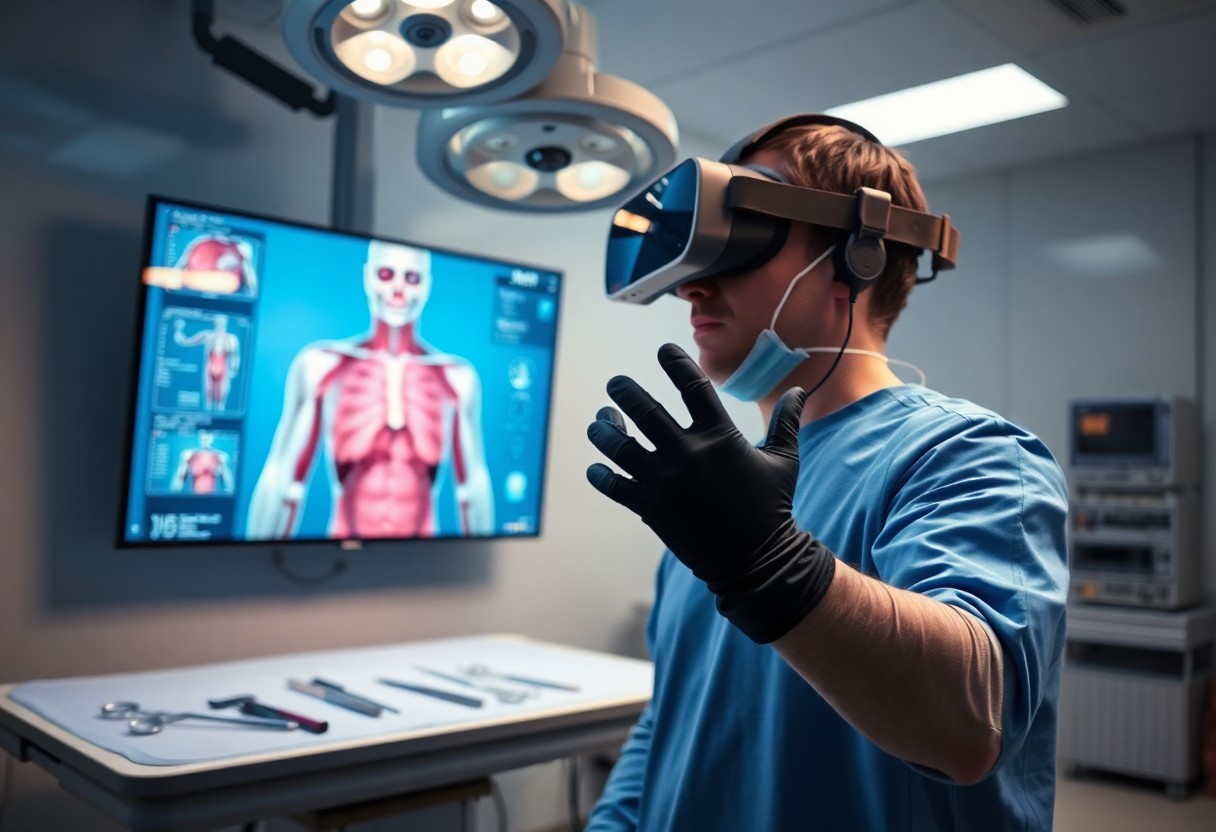
When you train with immersive surgical simulations, you rehearse high-pressure procedures in a controlled environment, improving skill retention and lowering the chance of medical errors during live operations.
Any session you run should include validated metrics, supervised debriefs, and scenario variation so you build measurable competency while protecting patient safety.
Critical Factors for Successful Cross-Industry Integration
Integration draws on gaming technology strengths like real-time rendering, physics engines and input systems, and you must align these with industry standards and workflows to avoid wasted investment.
You should prioritize interoperability, data security, and measurable ROI while planning pilots; small failures reveal compatibility issues faster than large rollouts.
- Hardware Accessibility – cost and availability
- System Infrastructure – cloud, edge, latency
- User Engagement – motivation and UX
- Functional Utility – task efficiency and accuracy
- Data Security – privacy and compliance
Hardware Accessibility and System Infrastructure
Systems must match your user base: choose solutions that lower cost of entry and support common devices so you don’t exclude stakeholders; plan for upgrades and hardware accessibility testing to avoid bottlenecks.
Balancing User Engagement with Functional Utility
Design gamified features to assist workflows rather than distract; you will increase adoption by ensuring user engagement enhances task completion and minimizes error, while guarding against gamification that undermines accuracy.
Knowing you should define clear KPIs for engagement and utility, run A/B tests, and monitor for unintended behaviors so that functional utility remains primary while positive engagement improves outcomes.
Step-by-Step Implementation of Gamified Training Modules
Implementation Breakdown
| Phase | Key Action |
| Design | Define behaviors, KPIs, and core mechanics |
| Pilot | Run short tests, collect engagement and retention data |
| Measure | Track micro-actions, feedback loops, and privacy metrics |
| Scale | Refine content, automate progress tracking, enforce data policies |
You should phase design, pilot, and scale so you can test engagement and retention while monitoring for data privacy risks from the first deployment.
Map responsibilities, timelines, and budget so you and stakeholders can run a short pilot with clear KPIs and use feedback to refine mechanics while protecting sensitive user data.
Defining Behavioral Objectives and Core Mechanics
Define the precise behaviors you want trainees to adopt, set measurable KPIs, and pick mechanics like challenges, simulations, or timed tasks that reward those actions with observable outcomes.
Align rewards and difficulty so you avoid creating perverse incentives or repetitive tasks that teach the wrong habits; you must flag any gaming of the system during pilots.
Establishing Progress Tracking and Feedback Loops
Instrument your platform to log micro-actions, timestamps, and completion rates so you can deliver real-time feedback and spot drop-offs early.
Set mastery thresholds, automated nudges, and remediation paths while ensuring your analytics sampling and retention policies protect user privacy.
Use A/B tests, cohort tracking, and learner surveys so you can tune feedback frequency and message framing to maximize behavioral transfer without overwhelming staff.
Strategic Tips for Leveraging Virtual Reality in Corporate Environments
Apply practical guidelines to your Virtual Reality programs: set measurable objectives, run short pilots, and map scenarios to business KPIs so training yields transferrable skills.
- VR scenarios mirroring daily tasks
- Modular content for cross-platform accessibility
- Comfort-first design targeting user ergonomics
Recognizing hardware limits and tolerance for motion will help you reduce motion sickness risk and boost sustained adoption.
Prioritizing User Ergonomics and Motion Comfort
Design your experiences to limit abrupt accelerations, narrow fields of view, and long continuous sessions; you should offer seated options and adjustable comfort settings to cut motion sickness risk.
Optimizing Content for Cross-Platform Accessibility
Adapt assets so you can scale content across headsets and mobile: use variable-resolution textures, input abstraction layers, and fallbacks to retain core interactions on low-end devices.
Test builds frequently on target devices, monitor performance metrics, and prioritize features that deliver the most value per frame to protect user experience and ensure cross-platform accessibility.
Pros and Cons of Utilizing Game Engines for Industrial Data
Pros and Cons
| Pros | Cons |
|---|---|
| Real-time visualization for design review | High hardware and GPU costs for fidelity |
| Accurate physics and lighting for validation | Specialized development skills required |
| Faster prototyping and iteration | Longer development cycles for complex systems |
| Interactive multi-user sessions for collaboration | Licensing and runtime fees |
| Sensor and dataset integration | Data security and latency concerns |
| Reusable assets across projects | Asset optimization and maintenance overhead |
| Scalable cloud rendering options | Unpredictable cloud costs and bandwidth use |
Enhanced Realism and Collaborative Interactivity
Visuals produced by game engines give you photo-real fidelity, which improves training accuracy and design sign-off through believable lighting and materials.
Teams can join shared virtual scenes so you can inspect systems together in real time, reducing miscommunication and speeding operational decisions.
Technical Resource Demands and Development Costs
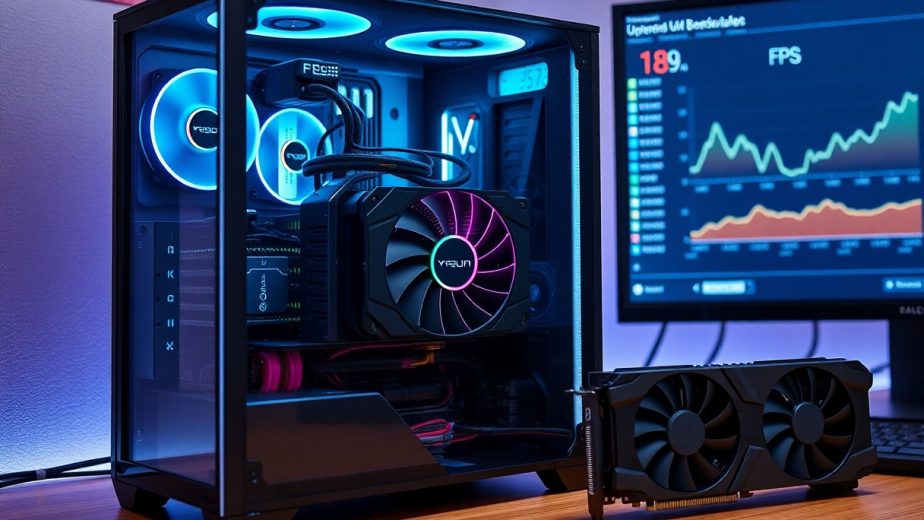
Hardware requirements and GPU demands often push you toward high-end workstations or cloud rendering, creating ongoing operational expenses you must plan for.
Development work demands specialized skills in scripting, optimization, and testing, so you will likely face higher upfront staffing or contractor costs.
Cloud scaling can help you manage peak loads, but you should expect variable billing and the need for rigorous cost monitoring and asset compression to control bandwidth.
Emerging Trends in Interactive Visualization and AI
Interactive visualization and AI are pushing non-gaming sectors into immersive decision spaces. You can harness game-grade rendering, real-time physics, and ML overlays to test scenarios faster, with real-time, data-driven previews that shorten project cycles and expose hidden risks.
Digital Twins and Predictive Modeling in Manufacturing
Digital twins provide live replicas of machines and lines so you can run virtual experiments before making physical changes. These systems combine game engines, sensor streams, and predictive models to deliver reduced downtime and measurable cost savings, while also carrying data privacy and model-bias risks that you must manage.
Procedural Generation for Large-Scale Urban Planning
Procedural generation lets you algorithmically create city models from rulesets and datasets, speeding up scenario exploration. The method supports thousands of variants so you can evaluate density, transit, and green-space trade-offs; it scales planning simulations far beyond manual design.
Urban projects benefit when you tune parameters to reflect zoning, mobility, and environmental constraints, because weak constraints can produce sprawling, inefficient layouts that raise long-term costs and social risk.
Simulation engines combine procedural rules with traffic and demographic models so you can run stress tests and visualize emergent patterns, giving you early detection of congestion hotspots and infrastructure cost drivers.

Summing up
Upon reflecting, you see how gaming technology transforms healthcare training, architectural visualization, and industrial simulation through VR, AR, real-time 3D rendering, procedural content, and AI-driven behavior models. You can apply these tools to train clinicians with immersive scenarios, test designs with interactive prototypes, and model complex systems for decision making, reducing cost and accelerating innovation.