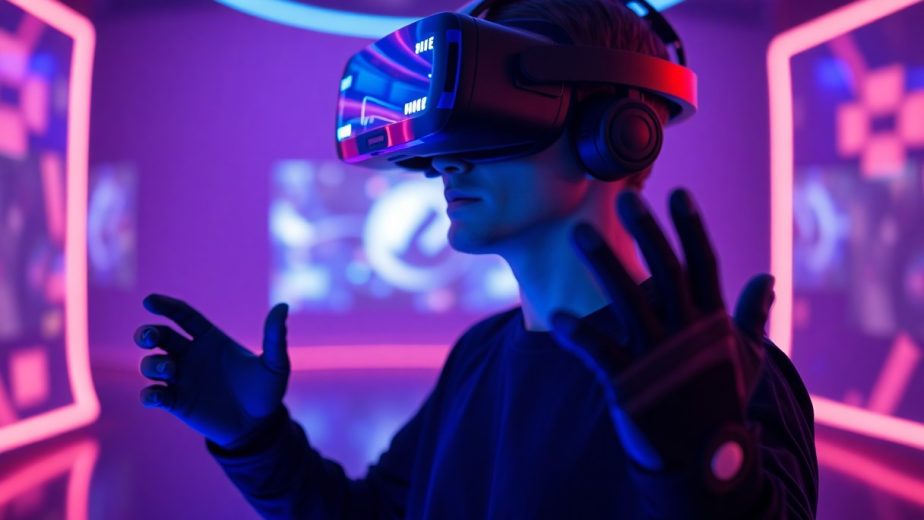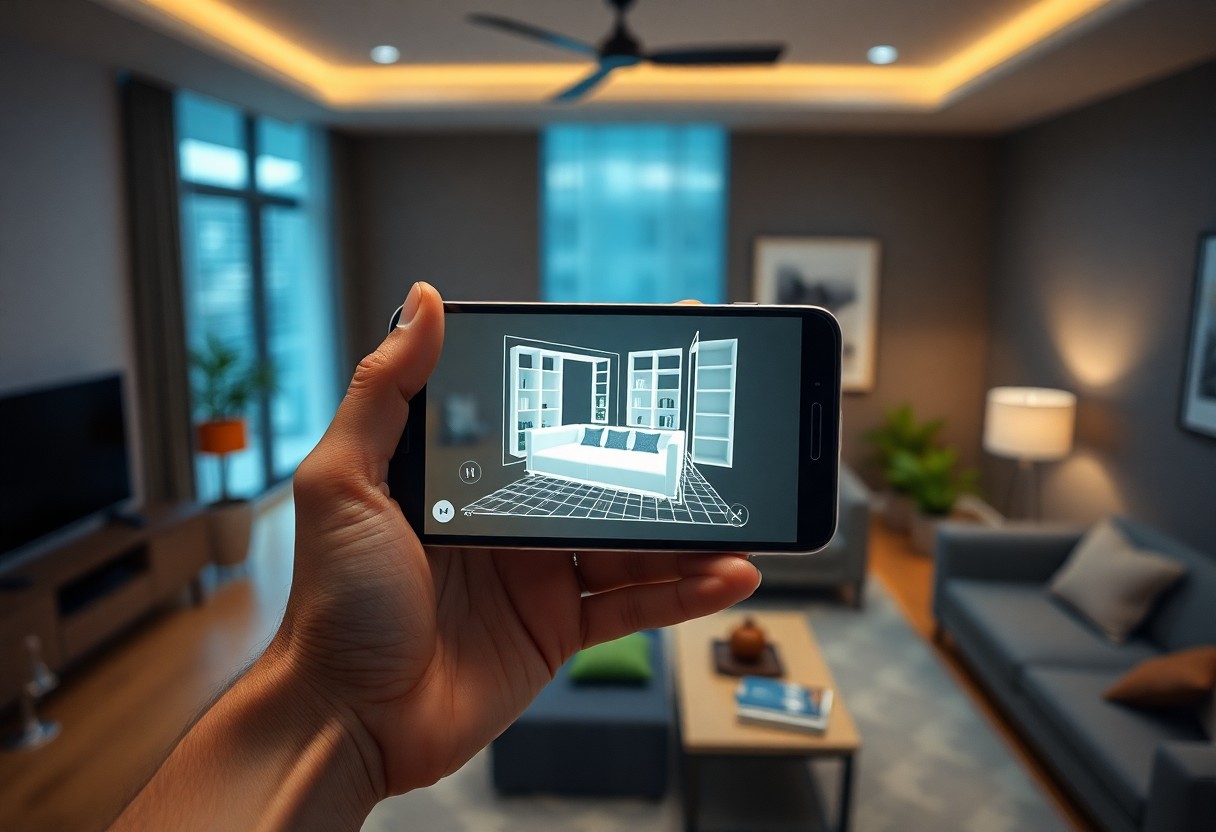
Augmented reality gives you immersive interfaces and greater engagement and revenue, while raising privacy and security risks; you must balance opportunity with complex technical and UX challenges.
Essential Types of Augmented Reality Technologies
Types of AR you encounter in mobile apps include marker-based, markerless, location-based, superimposition, and projection, each changing how you access and interact with digital layers over the real world.
- Marker-based – precise overlays using visual markers.
- Markerless – sensor and SLAM-driven placement for mobility.
- Location-based – GPS and beacons tie content to places.
- Superimposition – replaces or augments real objects visually.
- Projection – projects images onto surfaces for shared views.
| Marker-based | High alignment precision for controlled experiences. |
| Markerless | Freedom of movement with higher compute and privacy costs. |
| Location-based | Contextual overlays tied to GPS, useful for guides and ads. |
| Superimposition | Real-time object replacement for previews and medical guidance. |
| Projection | Shared environmental displays that avoid personal-device limits. |
These technologies present trade-offs you must weigh: expect increased engagement from contextual AR and watch for privacy risks or performance hits on lower-end devices.
Marker-Based vs. Markerless AR Systems
Marker-based solutions let you achieve repeatable, high-accuracy overlays by detecting fiducial patterns, which helps in product demos and training where placement matters.
Markerless approaches give you spatial freedom using SLAM and sensor fusion, but you must manage battery drain and potential privacy concerns tied to continuous camera and sensor access.
Location-Based and Superimposition AR Applications
Location-based systems attach content to coordinates so you can receive context-aware information in the field, boosting engagement for tourism and local commerce while depending on GPS accuracy.
Superimposition techniques overlay or replace real objects so you can preview furniture or guide procedures, though misalignment can introduce safety issues in critical use cases.
Knowing that location-based AR often depends on GPS and sensor reliability and that superimposition requires precise depth sensing helps you design mitigations for safety risks and test for real-world inconsistencies.
Analyzing the Pros and Cons of AR Integration
| Pros | Cons |
|---|---|
| Increased engagement | Higher development cost |
| Better conversion rates | Device fragmentation |
| Personalized experiences | Battery drain & performance hits |
| Immersive try-before-you-buy | Privacy risks and data handling |
| New monetization paths | Limited audience on older hardware |
| Stronger brand recall | Complex testing matrix |
| Improved training and support | Need for specialized skills |
| Contextual, location-aware features | Sensor inaccuracies |
| Gamification & viral potential | Increased app size |
| Competitive differentiation | Platform and API fragmentation |
Benefits for User Engagement and Brand Loyalty
You will notice measurable engagement gains as AR invites hands-on interaction, extending session length and improving conversion paths; immersive try-ons make offers feel personal and memorable, which strengthens brand loyalty.
Limitations in Hardware Compatibility and Development Costs
Device diversity forces you to support multiple sensors and OS versions, increasing QA cycles and overall development costs, while older phones can produce poor AR results that harm perception.
Developers must budget for specialized talent and extra testing, so you should expect longer timelines and hardware procurement to validate real-world performance.
Critical Factors Influencing AR Adoption in Mobile Apps
- Processing Power
- Sensor Accuracy
- User Environment
- Lighting Conditions
- Battery Life
- Privacy
- Network Latency
You assess adoption by how processing power, sensor accuracy, and battery life shape daily use. Poor frame rates or inaccurate tracking create frustrating user experiences that push people away, while clear privacy controls and low latency increase trust.
Processing Power and Sensor Accuracy
Processing requirements hinge on GPU/CPU capability and sensor fusion, so you balance visual fidelity against thermal limits and battery draw. Inadequate hardware or persistent sensor drift produces misalignment, forcing you to optimize shaders, reduce draw calls, and apply filtering to preserve interaction quality.
User Environment and Lighting Conditions
Ambient settings dictate tracking reliability, so you must validate AR in varied indoor and outdoor lighting. Harsh sunlight, glare, or deep shadows trigger tracking failure and depth errors, and you should offer guidance or alternative UI when conditions degrade performance.
Recognizing mitigation techniques such as adaptive exposure, sensor fusion, and a fallback 2D mode lets you maintain usability; include manual calibration, contextual prompts, and clear warnings when the environment causes unstable tracking.
Step-by-Step Guide to Implementing AR Features
| Step | Action |
|---|---|
| 1 |
You should prototype AR interactions quickly and test them on target devices to validate tracking, occlusion, and user flow while prioritizing device testing and early user feedback to spot usability and privacy issues. |
| 2 |
Plan your iteration cycles around performance metrics and SDK updates, and include automated tests that measure frame time, memory, and potential battery drain. |
Selecting the Optimal Development Framework and SDK
Choose frameworks based on your target platforms: prefer ARKit for iOS and ARCore for Android, and assess Unity or Unreal if you need cross-platform support while checking plugin stability and update cadence.
Designing and Rendering 3D Assets for Mobile Interfaces
Optimize your 3D assets by reducing poly count, baking lighting, using normal maps and LODs, and keeping texture size modest to preserve GPU budget and maintain consistent frame rates.
Test your assets in real scenes to spot frame drops, tracking drift, and thermal throttling, and profile GPU/CPU to locate hotspots that cause crashes or poor tracking.
Compress your textures with ASTC or ETC2, atlas small props, enable mipmaps, and use glTF/DRACO where appropriate so you reduce download sizes and runtime decompression costs.
Strategic Tips for Optimizing the AR User Experience
Design clear visual anchors and minimal overlays so you don’t obscure the real world; prioritize context-aware prompts that teach interactions. In mobile apps, keep AR elements predictable to preserve the user experience and avoid overwhelming sensors or camera view.
- Cap particle and shader intensity to protect battery.
- Offer performance presets so users can choose fidelity or longevity.
- Provide clear affordances for navigation and interaction.
Recognizing trade-offs between immersion and device limits helps you set sensible defaults, expose manual quality controls, and prevent excessive battery drain or thermal throttling to maintain good performance.
Prioritizing Intuitive Navigation and Interaction
Keep controls consistent and legible; use affordances that show depth and touch targets sized for thumbs so you reduce guesswork. Label interactive objects to improve predictability and reinforce navigation and interaction patterns.
Test with varied lighting and movement so you catch edge cases and adjust gesture sensitivity. Provide fallback non-AR paths for lower-end devices to preserve the overall user experience.
Managing Battery Consumption and Device Performance
Limit sensor sampling rates and heavy shaders when idle to help you reduce rapid battery drain and avoid thermal spikes; cap background tracking intensity when the app isn’t foregrounded.
Monitor device metrics in real time so you can detect overheating, FPS drops, or high energy use and trigger a lower-power profile or user alert to protect performance and hardware.
Optimize by dynamically scaling texture detail, culling distant virtual objects, offloading complex computation to servers or specialized chips, and offering quality presets so you can extend session time while balancing fidelity and device health.
The Future Impact of AR on Mobile Commerce and Education
You will see AR accelerate personalization in shopping and create immersive study experiences that extend what mobile apps can do; this drives higher conversions and deeper learning outcomes. Expect trade-offs as you balance innovation with data privacy risks, and plan for the infrastructure for secure data and inclusive design to determine true scale.
Revolutionizing Virtual Try-On and Product Visualization
Picture trying on garments, glasses, or furniture via your phone so you decide faster and return items less often; this gives you near-accurate fit and placement cues that boost confidence and sales conversion. Watch for how apps collect imagery and motion data, since biometric and location data exposure can create serious privacy concerns.
Enhancing Interactive Learning and Remote Assistance
Imagine AR overlays guiding you through experiments, anatomical studies, or equipment repairs so you practice while you learn and access expert help from anywhere, increasing hands-on retention. Content quality and equitable access matter because poor implementations can widen gaps in outcomes and access.
Implementation choices will determine latency, accuracy, and trust: you should prefer on-device processing or encrypted streams to maintain performance and guard sensitive feeds, protecting low-latency interaction and preventing privacy leaks.
Devices with depth sensors and AR toolchains let you follow step-by-step assistance in situ, which reduces errors and training time; developers must encrypt recordings and offer offline modes so you retain the educational value while minimizing safety and privacy risks.
Summing up
Considering all points, augmented reality is reshaping mobile apps by placing contextual, interactive overlays on the physical world, so you can preview products, access real-time guidance, and engage with content in situ. Developers must adopt new design patterns and performance optimizations, and businesses can increase engagement and conversion through immersive trials and location-aware services. You will see more personalized, task-oriented experiences that blur app and real-world boundaries while requiring careful attention to privacy, battery use, and accessibility.