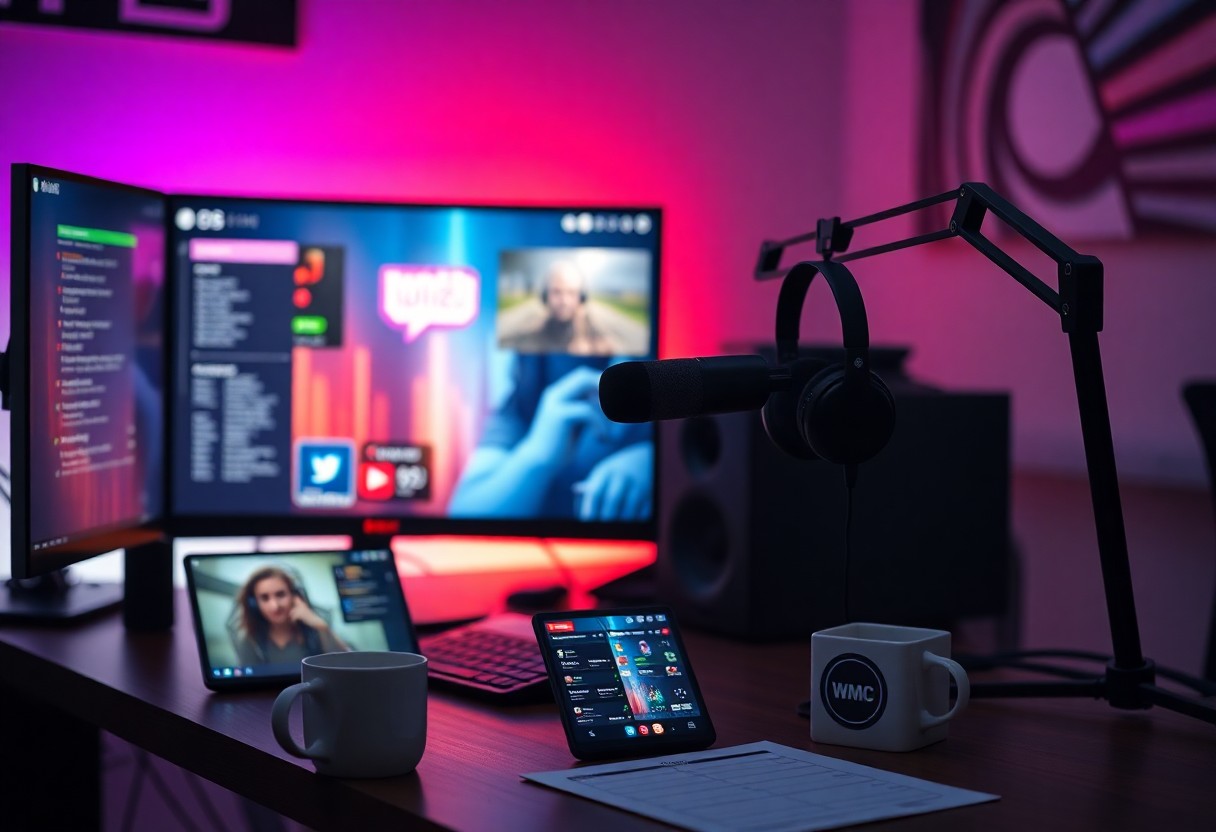
Over your first streams, you must configure reliable gear, learn platform rules, and secure accounts against copyright strikes and bans; optimize stream quality and maintain consistent scheduling to encourage steady audience growth.
Categorizing Streaming Platforms and Content Types
Platforms split by purpose: live interaction, VOD libraries, short-form clips, IRL social streams and esports broadcasts; you should pick based on audience and goals while weighing monetization and risks like toxicity.
Any clear taxonomy helps you assign workflows and moderation needs before you scale.
| Category | Examples |
| Live Interaction | Twitch, YouTube Live |
| VOD / Tutorials | YouTube |
| Short Clips | TikTok, YouTube Shorts |
| IRL / Social | Facebook Gaming, Instagram Live |
| Esports / Competitive | Twitch, YouTube |
- Live
- VOD
- Short-form
- IRL
- Esports
Comparison of Major Streaming Services
Compare core factors-audience size, revenue split, moderation tools and discovery-so you prioritize where discoverability and monetization align with your content and schedule.
| Service | Strength |
| Twitch | Live community and subscriptions |
| YouTube | VOD reach and search discovery |
| Facebook Gaming | Social sharing and built-in audience |
| KICK | Creator-friendly revenue splits |
Defining Your Unique Content Format
You must outline stream length, regular segments and interaction style so viewers know what to expect and you build consistency and authenticity.
Consider testing formats, tracking watch time and retention, and adapting to feedback to refine what works for your audience.
Essential Hardware and Technical Factors
Equipment selection affects stream stability: you should use a dedicated GPU for encoding and a quality capture card for external consoles to avoid dropped frames.
- GPU
- CPU
- capture card
- upload speed
- microphone
- camera
- bitrate
Network stability impacts viewer experience; prefer wired connections and consistent upload speed to reduce frame loss. Knowing your bandwidth and hardware limits helps you set a safe bitrate and avoid overheating.
PC and Console Performance Requirements
CPU and GPU capacity determine whether you can run a game and encoder at the same time, so size your system to hit your target framerate and resolution with headroom for background tasks.
Console users should plan for an external capture card and a PC that can handle encoding; you must check for encoding offload options and avoid running at too high a bitrate for your connection.
Audio and Visual Equipment Standards
Microphone choice shapes perceived professionalism: pick a dynamic mic for noisy rooms or a condenser for controlled setups, and apply a noise gate and compression to keep levels consistent.
Camera quality and lighting define video clarity; aim for 1080p at 30/60fps, set proper white balance, and use soft, directional lighting to prevent harsh shadows.
Audio mixing matters: you should route game, voice, and music to separate tracks in your encoder, use headphones to monitor, and address peak clipping or feedback immediately to protect listener experience.
Step-by-Step Configuration of Your Stream
| Configuration Checklist | |
|---|---|
| Stream Key | Keep your stream key private and paste it into your broadcast software. |
| Resolution & FPS | Choose resolution and FPS based on hardware: 1080p@60 or 720p@30 for weaker systems. |
| Bitrate | 4500-6000 kbps for 1080p; lower bitrates reduce quality but ease bandwidth. |
| Encoder | Pick x264 or NVENC; hardware encoders lower CPU load. |
| Scenes & Sources | Create game, webcam, and intermission scenes; test audio levels. |
Follow the checklist to set sources, scenes, and platform ingest points so your stream starts cleanly; you should always run a short private test before you go live.
Adjust audio balances and monitor CPU usage during tests to avoid dropped frames and ensure stable bitrate while streaming.
Setting Up Broadcast Software and Encoding
Configure your OBS or similar software by adding scenes, sources, and the platform stream key; set encoder to NVENC if you want lower CPU usage, or x264 for finer control over quality and presets.
Creating Branded Overlays and Notifications
Design overlays with clear typography and contrast so viewers see alerts on small screens, and make sure overlays do not cover important game elements; keep alerts prominent but non-obtrusive with consistent branding.
Test animated alert files and browser sources for performance; use optimized PNGs or WebMs with transparency and limit animation complexity so you don’t overload your encoder, and verify alert volume so notifications are heard without overpowering gameplay audio.
Pros and Cons of Game Streaming
You will weigh benefits like audience reach and direct support against time demands and platform rules; Monetization potential and community growth reward consistency and quality.
Streams can convert viewers into loyal fans but also expose you to DMCA/TOS risks, income swings, and moderation challenges; prepare policies and backups to reduce those dangers.
| Pros | Cons |
|---|---|
| Monetization potential (subs, ads, donations) | Income instability and platform-dependent pay |
| Community building and direct feedback | DMCA/TOS risks can remove content or revenue |
| Low startup cost for many setups | High competition for viewer attention |
| Real-time interaction increases retention | Time sink for consistent schedules |
| Easy content repurposing (clips, highlights) | Technical requirements (CPU, bandwidth) |
| Sponsor and brand opportunities | Risk of burnout from constant content |
| Platform discovery tools can boost growth | Platform policy changes affect creators |
| Flexible formats (IRL, co-op, speedrun) | Moderation and safety overhead |
Opportunities for Community and Monetization
Community features let you build direct rapport through chat, Discord, and events; strong engagement often turns viewers into recurring supporters and paid subscribers.
Monetization paths include subscriptions, donations, ads, sponsorships, and merch; you should diversify income streams to reduce risk and scale earnings over time.
Managing Technical Issues and Competition
Technical problems like bandwidth drops, encoder errors, and CPU spikes will affect your stream quality; test settings, use wired connections, and keep simple backups to protect live broadcasts.
Competition on major platforms forces you to refine unique content, a consistent schedule, and targeted promotion; monitor metrics and adjust to grow your audience.
Handling outages and competitive pressure means preparing tooling: set up hotkeys, auto-moderation, a backup encoder or PC, and clear community rules so you can minimize downtime and avoid account strikes.
Strategic Tips for Audience Retention and Growth
Focus your streams on repeatable hooks: strong opening moments, mid-stream highlights, and a clear closing that teases the next session. Use engagement prompts, donation alerts, and timed rewards to increase audience retention and spur growth.
- Consistency in schedule
- Engagement routines (Q&A, polls)
- Content variety with signature segments
- Analytics-driven tweaks
Build relationships by thanking newcomers and spotlighting regulars; moderate toxic chat quickly and set clear rules to protect your community. Recognizing viewer patterns lets you double down on what works for growth and avoid harmful spikes in chat.
Engagement Techniques for Live Interaction
Engage your chat with direct questions, timed polls, and on-screen shoutouts so viewers feel seen and stay longer. Mix short interactive games and community challenges to turn passive viewers into active participants.
Offer simple rewards like custom emotes, loyalty points, or role tags that encourage repeat attendance and organic sharing; track which incentives drive the most engagement and iterate.
Optimizing Your Schedule for Visibility
Plan your stream schedule around audience availability and platform peak times while keeping a predictable cadence so viewers can form habits. Use tags and consistent titles to improve discoverability.
Test weekend versus weekday slots and vary start times to find underserved windows where fewer streamers compete for attention; prioritize the slots that yield higher viewer retention and chat activity.
Analyze your metrics weekly to spot trends by region, time of day, and content type; adjust frequency and duration to match when your audience is most active and receptive.
To wrap up
The beginner guide gives you clear steps to start streaming on Twitch, YouTube, and other popular platforms, covering setup, overlays, and community tips. You can focus on consistent scheduling, good audio/video, and chat engagement to grow an audience. Practice, iterate on content, and track metrics to improve your streams over time.