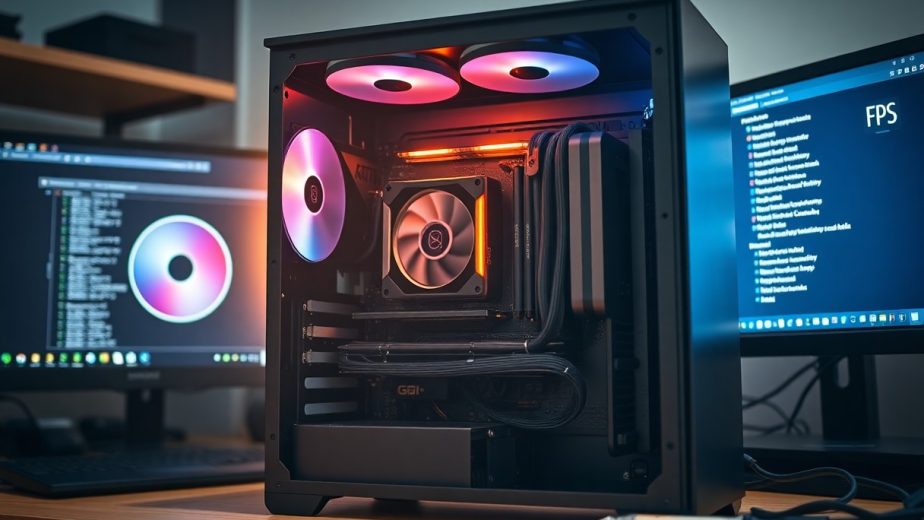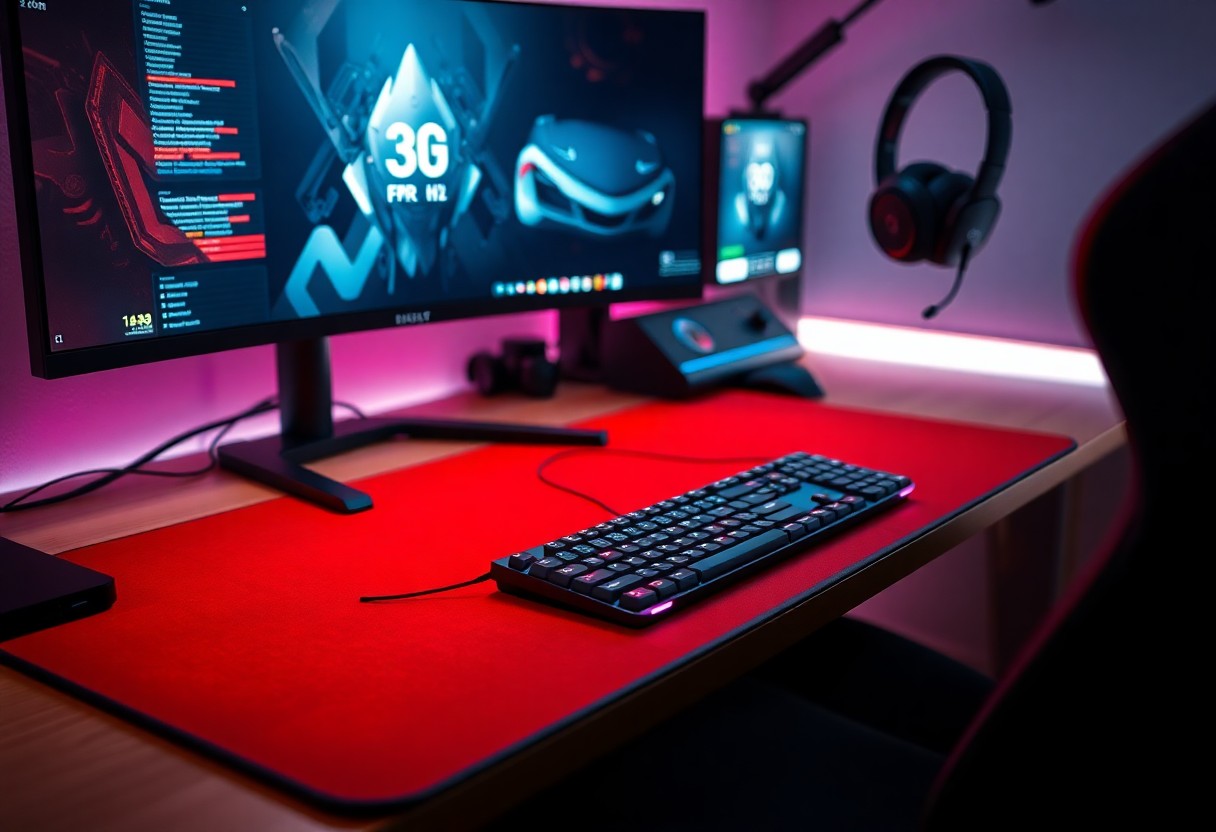
Performance sets the baseline, so you must buy a low-latency mouse and mechanical keyboard, a high-refresh monitor, and an ergonomic chair to prevent RSI; these deliver faster reactions and consistent accuracy.
Essential Hardware Types for Competitive Play
You should prioritize high-refresh rate monitors, mechanical keyboards, and high-DPI mice to minimize delay and sharpen input precision.
- High-refresh rate monitors – smoother frames, lower perceived lag
- Mechanical keyboards – clear actuation and reliable feedback
- High-DPI mice – precise aiming and adjustable sensitivity
- Low-latency headsets – accurate audio cues
| Monitors | 144-240Hz for reduced motion blur |
| Keyboards | Mechanical switches for consistent actuation |
| Mice | High-DPI sensors with low lift-off |
| Mousepads | Uniform glide and reliable tracking |
| Headsets | Positional audio and low latency |
After testing gear, you must confirm low input lag and steady performance under match conditions.
High-Refresh Rate Monitors and Visual Clarity
Monitors with 144Hz or higher deliver clearer motion that helps you track targets and spot micro-movements faster, especially when paired with low response times.
Clarity improvements are most evident in fast shooters; choose panels with variable refresh and low persistence to reduce perceived stutter for you.
Mechanical Keyboards and Tactile Response
Switches define how your inputs feel and register, so you should pick a switch profile that matches your playstyle for consistent aim and quick combos.
Feedback from switches affects error rates; lighter actuation can increase speed while tactile stops can prevent accidental presses and improve control.
Customizing keycaps, stabilizers, and spring weights helps you tune travel and wobble so you get repeatable, comfortable keystrokes during long sessions.
High-DPI Mice and Optical Tracking Accuracy
Sensitivity choices let you match cursor speed to your wrist technique; excessively high DPI can cause jitter that reduces precision for you.
Tracking quality and low lift-off distance matter for flicks and micro-adjustments, so pick sensors with proven optical tracking accuracy.
Settings like polling rate and on-device DPI stages let you adapt quickly mid-match without opening menus, giving you practical control over aim behavior.
Key Factors to Consider When Selecting Gear
Consider how ergonomics, weight, and platform compatibility affect your aim and endurance.
- Sensor latency
- Build quality
- Customization software
Knowing trade-offs between speed and durability lets you choose gear that fits your role and budget.
Sensor Latency and Input Response Times
Latency is what determines how fast inputs reach the game; you should prioritize sensors with stable low latency to reduce missed shots.
Lower input lag benefits twitch shooters and competitive play, and you can measure it with tools or specs to confirm response times.
Build Quality and Material Durability
Materials and shell design affect grip texture and wear; you should prefer metals at hinge points and reinforced buttons for longevity.
Check joints, cable strain relief, and switch lifespan ratings before buying to avoid early failure or fragile components, and ensure you test the action.
Durability testing, warranty length, and user reports help you spot weak points like scroll wheel failures or brittle plastic so you can avoid costly replacements.
Customization Software and Macro Support
Software determines how easily you map buttons, tune sensitivity, and save color settings; you should choose suites with reliable updates and intuitive layouts.
Macros enable you to automate combos and complex sequences, so verify the tool offers per-key remapping and lag-free execution.
Profiles let you store per-game settings and sync them across devices; you should test export/import and cloud sync to prevent losing critical bindings.
Best Accessories to Improve Your Gaming Performance
You benefit from lower latency and steady power with wired peripherals, making inputs predictable in high-pressure plays and reducing unexpected interruptions.
Consider that wireless gear offers mobility and a tidy setup, but you must balance that with battery management and occasional signal dropouts.
| Pros | Cons |
|---|---|
| You get lower latency | You face potential signal interference |
| You avoid charging cycles | You must monitor battery life |
| You enjoy a stable connection | You deal with cable drag |
| You often pay less for wired options | You may pay a premium for top wireless models |
| You skip pairing and dongles | You need firmware and pairing management |
| You get consistent polling rates | You risk dropouts in crowded 2.4 GHz spaces |
| You maintain constant power during long sessions | You must remember charging schedules |
| You have straightforward tournament compliance | You may face interference at events |
Connection Stability and Signal Interference
Wireless connections can offer freedom, yet they are prone to dropouts in congested 2.4 GHz bands and can lose packets during critical plays, costing you frames or inputs.
Signal behavior on wired setups provides consistent input thanks to fixed polling and dedicated USB lanes, so you avoid unpredictable latency spikes that affect aim and timing.
Battery Management vs. Cable Drag Constraints
Battery handling requires you to track charge, carry spares, and accept occasional downtime for charging, with high-capacity models reducing interruptions but adding weight.
Cable drag limits your range and can snag, yet it removes the need to monitor power and typically gives you the most reliable, uninterrupted input stream.
Power planning means you should keep a spare battery or charger nearby and use a lightweight, braided cable or bungee to minimize drag while maintaining continuous play during long sessions.
Step-by-Step Calibration for Optimal Performance
| Step | Action |
|---|---|
| 1 | Set mouse DPI and polling to target values |
| 2 | Adjust monitor overdrive and refresh rate |
| 3 | Tune in-game sensitivity and aim settings |
| 4 | Run in-match tests and iterate |
Begin your calibration by applying one change at a time so you can isolate effects; you should focus on settings that affect input lag and tracking first. Use manufacturer software to save profiles and keep a log of adjustments so you can revert if a tweak causes performance loss.
You will get better results by testing in real scenarios and avoiding broad jumps; small increments reveal the sweet spot for your playstyle. Watch for inverse ghosting or artifacts after monitor tweaks and rollback any setting that introduces visual problems.
Configuring DPI and Polling Rates for Precision
Configure your mouse to a DPI that matches your in-game sensitivity-many players find 800-1600 DPI optimal for precise aiming. Also set the polling rate to 500-1000 Hz to minimize latency while ensuring your system can handle the update frequency.
Test adjustments with consistent routines like flick shots or tracking drills to confirm improvements; you should change only one variable at a time. If you notice jitter or overshoot, lower DPI or tweak smoothing in software rather than increasing polling indiscriminately.
Adjusting Monitor Overdrive and Refresh Settings
Set the monitor to its native resolution and the highest stable refresh rate your GPU supports, such as 144 Hz or 240 Hz, and use DisplayPort when possible for full bandwidth. Choose an overdrive level that reduces motion blur without causing inverse ghosting.
Check adaptive sync (G‑Sync/FreeSync) options to reduce tearing and stutter while keeping response time settings moderate to avoid artifacts. You should confirm changes with fast-moving tests to see real impact on clarity and latency.
Avoid maxing overdrive when you see edge coronas or reversed trails; dial it back until ghosting disappears, and prioritize stable frame pacing and clean motion over marginal pixel response gains.
Expert Tips for Ergonomic Setup and Endurance
You can reduce fatigue by aligning your monitor, chair, and keyboard to support ergonomic posture.
- Monitor height
- Desk height
- Wrist position
Recognizing that small adjustments improve endurance and lower injury risk helps you play longer.
Optimizing Desk Height and Wrist Positioning
Adjust desk so your forearms are parallel to the floor and wrists stay neutral to reduce strain and steady your aim.
Keep the keyboard slightly angled and use a low-profile wrist pad to avoid upward bend that increases nerve pressure.
Strategic Cable Management for Unrestricted Movement
Route cables behind the desk and away from your mouse zone to eliminate cable drag and preserve smooth tracking.
Anchor loose cords with clips or a cable sleeve to prevent tangles and remove a potential tripping hazard.
Test full-range mouse sweeps after securing cables; if you feel resistance, reroute or add a bungee so you maintain unrestricted movement during intense play.
Specialized Audio and Surfaces for Tactical Advantage
Tactical audio and surface upgrades give you measurable wins in positioning and aim. High-end headsets paired with the right pad improve spatial awareness and recoil control, delivering clear directional cues and consistent glide so your muscle memory stays precise.
Spatial Audio Headsets for Directional Cues
Spatial headsets let you pinpoint enemies by sound so you can act before visual confirmation. If you choose a model with accurate rendering, you gain precise footstep localization; poor rendering risks misleading spatialization that can cost rounds.
Performance-Grade Mousepads and Friction Control
Performance-grade mousepads offer predictable texture so you can dial in sensitivity and build reliable aim. Look for surfaces that balance low friction for speed with enough texture for control to keep your sensor tracking clean.
Choose pad size and thickness to match your play style and desk space, since stability affects shot grouping. Check sensor compatibility and reinforced edges to avoid sudden tracking errors in clutch moments.
Surface maintenance matters: you should wash cloth pads, replace worn hard pads, and replace when worn to prevent unpredictable glide. Tournament players often carry a spare because a degraded pad can introduce aim drift.

Conclusion
Following this, you should prioritize precision and comfort: a high-refresh monitor, low-latency mouse, mechanical keyboard, and quality headset sharpen aim and audio cues. Ergonomic seating and a fast SSD reduce fatigue and downtime so you sustain performance during long sessions. Choose accessories that match your playstyle and practice consistently to see measurable gains.