This overview explains how 5G transforms mobile gaming, giving you ultra-low latency, greater bandwidth for cloud streaming, and presenting new security risks while enabling richer multiplayer experiences.
Types of 5G-Enhanced Gaming Experiences
Players will see new modes in mobile gaming as 5G cuts response times, enabling real-time multiplayer, cloud streaming, and mixed reality features that change how you compete and explore.
Latency reductions let you execute split-second actions with near-instant inputs, while increased connectivity introduces potential security risks and higher data consumption you must manage.
- Cloud streaming
- AR
- VR
- Edge compute
| Cloud streaming | Instant play, reduced downloads |
| Low-latency multiplayer | Competitive fairness, near-instant inputs |
| Edge compute | Local processing, reduced lag |
| Augmented reality | Real-world overlays, increased data |
| Virtual reality | Immersive worlds, higher bandwidth |
Cloud-Based Streaming and Instant Play
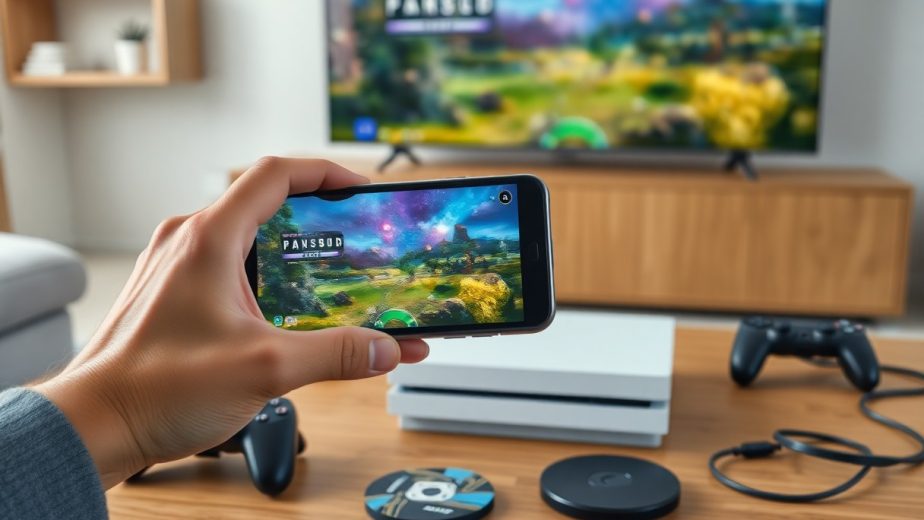
Cloud streaming lets you load console-quality games instantly on mobile; 5G reduces buffering and gives instant play, though you should watch for bandwidth costs and server outages that affect sessions.
Augmented and Virtual Reality Integration
Augmented experiences place game elements into your environment using AR overlays; faster uplinks let you interact more naturally and keep assets updated in real time for smoother play.
Sensors and fast links allow precise motion tracking and high-fidelity audio, boosting immersion but increasing data flow and raising privacy concerns you must consider when enabling permissions.
Recognizing trade-offs, you should balance device capability, data allowances, and security settings before testing immersive AR/VR demos on a 5G connection.
Critical Factors Influencing 5G Performance
Network performance for mobile games hinges on spectrum type, cell density and backhaul capacity, so you feel differences in match stability and visual fidelity. 5G introduces mid-band and mmWave options that raise peak speeds but can vary with distance and obstacles, affecting in-game responsiveness.
- latency – reaction time and hit registration
- bandwidth – asset streaming and cloud rendering
- network slicing – reserved pathways for game traffic
- mmWave – high throughput, limited range
- backhaul – carrier core capacity and congestion
Coverage differences and peak congestion determine how you actually experience latency and throughput; carrier policies and cell handovers can still introduce spikes. Network slicing can improve predictability for your sessions. This shapes how you design and play mobile games.
Ultra-Low Latency and Network Slicing
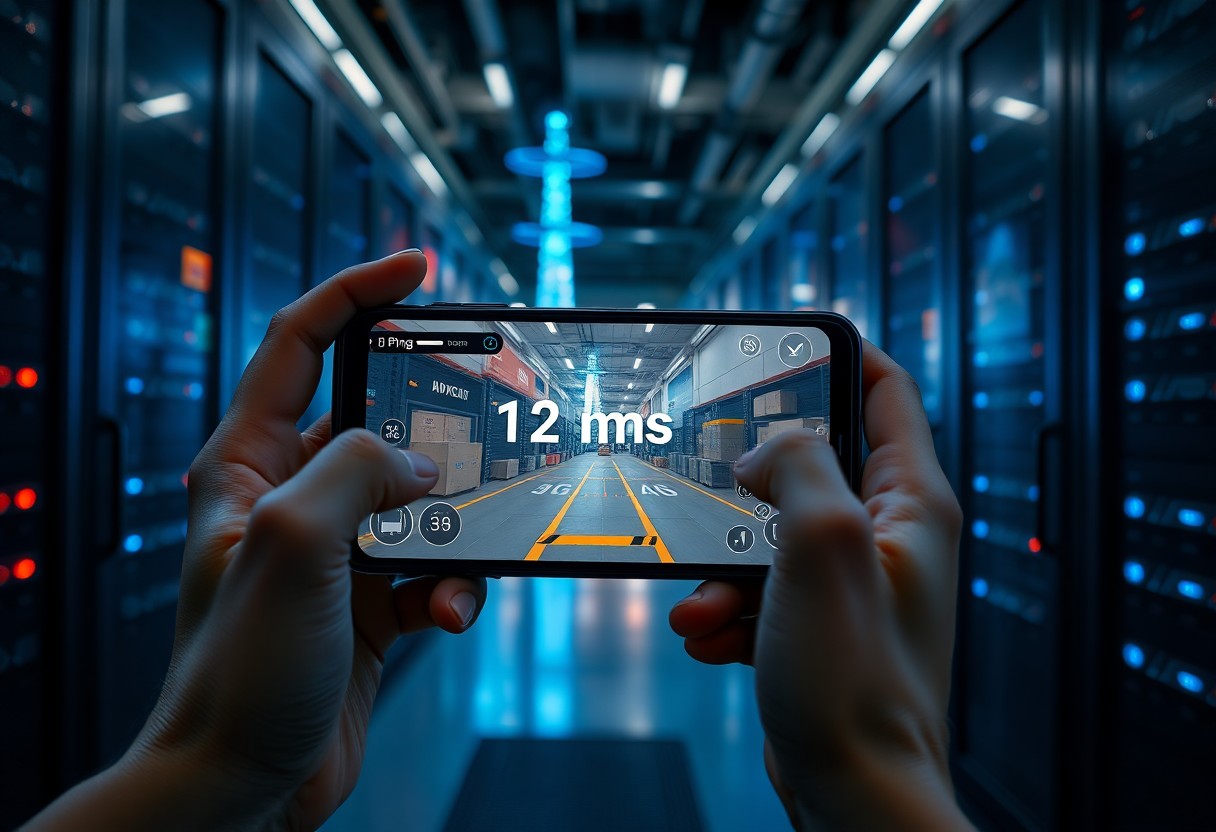
Low latency reduces input lag so you react faster in competitive matches, and you notice smoother hit detection and quicker state updates. Network slicing isolates your game traffic to lower jitter and preserve session quality under load.
Operators roll out slices and edge compute differently, so you should validate performance across regions; you may still encounter variability during handovers or peak events. edge compute colocated with game servers helps you keep critical logic close to players.
Enhanced Bandwidth for High-Fidelity Assets
Textures and large asset bundles stream faster with greater bandwidth, letting you deliver console-quality visuals without lengthy installs so you get richer environments sooner. mmWave availability increases peak throughput where coverage exists.
Higher sustained throughput enables cloud rendering and live asset swapping, so you can offload heavy processing while you play and reduce local hardware demands. bandwidth gains also support improved audio and background downloads.
Streaming high-fidelity assets relies on consistent capacity, so you should monitor for carrier data caps or throttling that can degrade sessions; edge caching and adaptive codecs mitigate risks and let you maintain quality.
Pros and Cons of 5G in Mobile Gaming
| Pros | Cons |
|---|---|
| Low latency for realtime actions | Higher battery drain from radios and radios-on time |
| Increased bandwidth for assets and streaming | Uneven coverage with urban focus, rural gaps |
| Reduced jitter improving hit registration | Infrastructure cost for dense cell deployment |
| Edge computing enables authoritative servers near players | Device heat and thermal throttling risks |
| Faster downloads and updates | Compatibility requires newer hardware |
| Cloud gaming becomes practical on mobile | Security surface expands with more endpoints |
| Lower match latency for competitive play | Interference in dense environments |
| New monetization and live features enabled | Operator rollouts create fragmented user experience |
You can use the table to weigh how low latency and edge compute improve competitive fairness while noting that battery drain and coverage gaps may degrade sessions.
Some gains like cloud streaming and faster updates directly affect your play, but you must plan for increased device heat and potential regional inconsistency in service quality.
Advantages for Competitive Multiplayer Stability
Low latency gives you crisper input-to-action timing, which improves hit detection and makes skill more determinative in matches.
Reduced packet loss and access to nearby edge servers let you rely on tighter server authority, lowering desync and making ranked play fairer.
Challenges of Infrastructure and Device Power Consumption
Network rollouts remain uneven, so you may encounter zones where promised 5G stability is absent and matchmaking or cloud streams degrade.
Higher modem activity increases device power draw, producing battery drain and thermal limits that shorten competitive sessions and may force lower performance modes.
Practical steps you can take include preferring sub-6 GHz where signal is better, enabling adaptive quality to save battery, and choosing hosts with local edge presence to minimize radio time.
Step-by-Step Guide to Optimizing 5G Connections
Optimize your 5G connection by choosing the best available band, disabling background sync during sessions, and monitoring signal strength so you see reduced latency and lower packet loss while gaming.
Quick Tweaks and Effects
| Action | Effect |
|---|---|
| Select 5G band (n77/n78) | Higher throughput, lower latency |
| Limit background apps | Less jitter and CPU load |
| Enable QoS or prioritize gaming | Priority gaming traffic over other flows |
| Use a wired adapter or stable hotspot | Reduced packet variability, fewer disconnects |
Calibrating Network Settings for Peak Performance
Adjust your device’s APN settings and force the network mode to 5G NR when coverage is strong; you will gain steadier packet delivery and better frame pacing for competitive matches.
Configuring Cloud Gaming Platforms for Mobile
Prioritize a server region nearest to you and enable the platform’s higher bitrate when your bandwidth permits so you experience lower input lag and clearer visuals.
Test quality presets and use built-in diagnostics to watch for frame drops and network jitter; you can switch to a lower resolution if spikes threaten stability.
Expert Tips for Maximizing Mobile Gameplay
You can tune QoS and prioritize traffic to pair 5G with local Wi‑Fi for lower latency and steadier bandwidth during competitive play. Recognizing the trade-offs between high visual fidelity and consistent frame rates lets you pick settings that preserve responsiveness.
- 5G
- latency
- bandwidth
- cloud gaming
- edge computing
- thermal throttling
- peripherals
Selecting Compatible Hardware and Peripherals
Choose controllers and headsets that advertise low-latency modes, and prefer wired links for critical inputs to reduce lag. Look for phones with dedicated cooling or chipset features that support sustained 5G performance to avoid mid-match slowdowns.
Managing Data Usage and Thermal Throttling
Monitor background app data and streaming quality so you don’t blow through your plan when using cloud gaming over 5G. Watch battery temperature and CPU load to spot early signs of throttling.
Limit frame rate or resolution when temperatures climb to cut power draw and reduce the chance of thermal throttling, which directly impacts input timing and frame stability.
Optimize cooling by using cases that permit airflow, shorting sessions, or external fans; overheating can permanently reduce performance and hardware lifespan, so address heat before it forces abrupt performance drops.
Summing up
From above you can see that 5G transforms mobile gaming by slashing latency and increasing bandwidth, so you experience near-instant multiplayer interactions and higher-fidelity streaming. Cloud-native titles shift processing off devices, letting you play complex games on modest hardware and access large-scale AR or VR sessions. Developers can design real-time features and massive concurrent matches while you benefit from faster downloads, improved matchmaking, and richer social play.