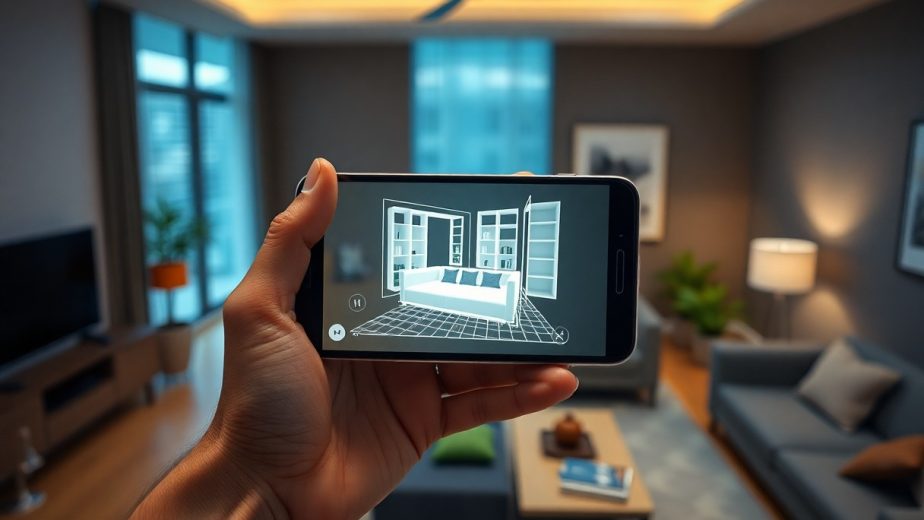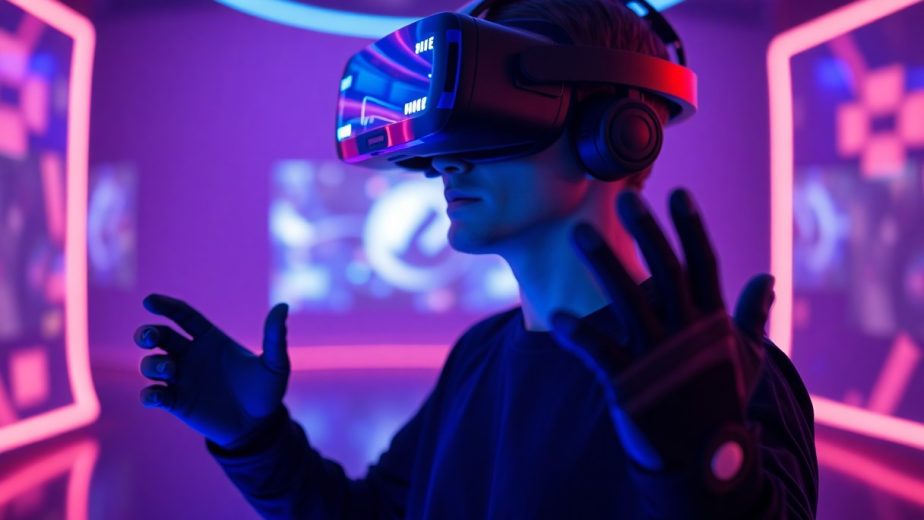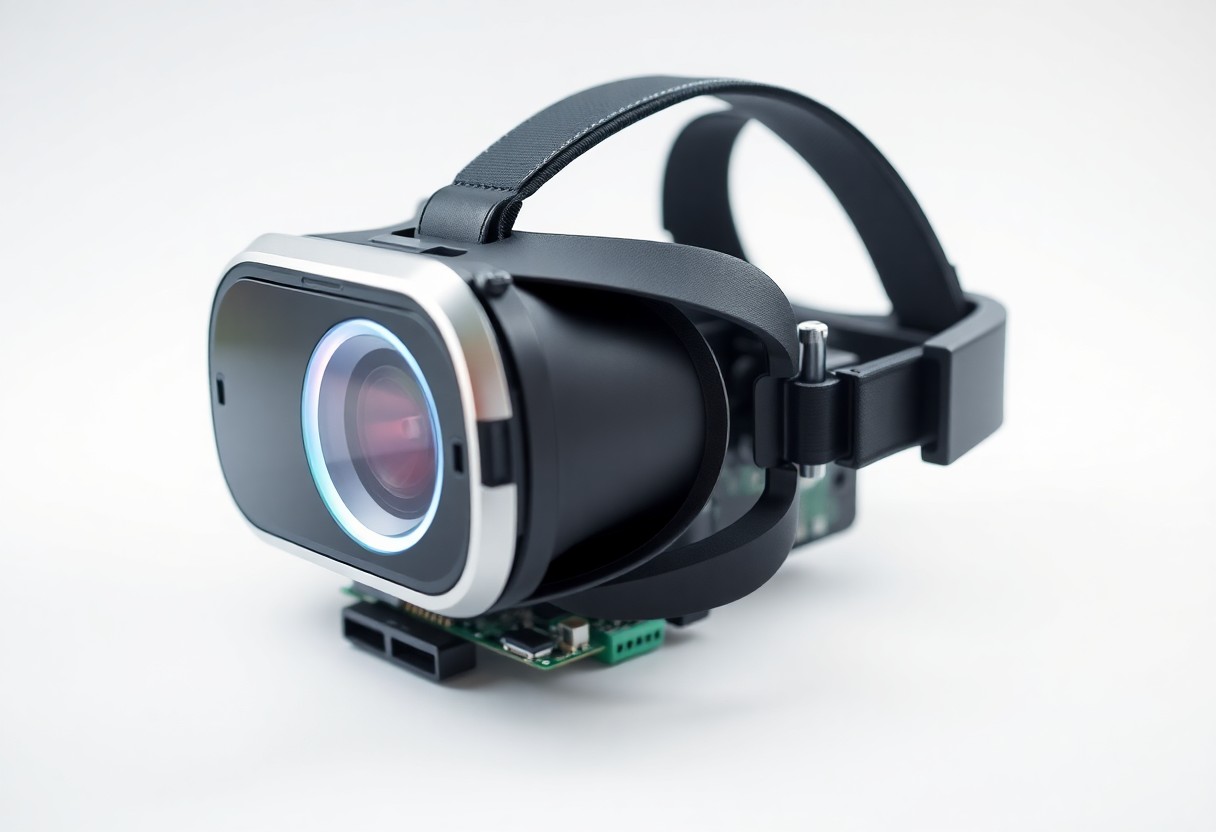
Just know that lenses, displays, and sensors combine to create VR: precise head tracking and low latency give you realism, while motion sickness and disorientation can harm you; proper calibration delivers deeply immersive, realistic experiences for training and entertainment.
The Mechanics of Immersion
Optics in the headset combine lenses and display panels to project scaled images to each eye, shaping focus and perceived distance. You notice greater realism when the device pairs high refresh rates with accurate lens alignment, while a wide field of view expands your sense of presence and reduces edge distortion.
Stereoscopic Display and Depth Perception
Lenses deliver separate left and right images so your brain computes depth from binocular disparity and parallax, giving you convincing three-dimensional cues. You gain better depth perception when image separation, convergence and software shading align; stereoscopic separation is what lets virtual objects sit convincingly in front of or behind others.
Head Tracking and Motion Sensors
Gyroscopes, accelerometers and magnetometers feed motion data into sensor fusion algorithms that update the headset’s pose so you move naturally in virtual space. You rely on low latency to keep visuals matched to motion-any lag can cause motion sickness-and external tracking can reduce drift for sustained accuracy.
Calibration ties IMU readings to camera or base-station fixes so you achieve precise six-degree tracking for translation and rotation; you can opt for inside-out systems for mobility or outside-in for higher fidelity, and you should avoid reflective surfaces that confuse optical sensors.
Major Types of VR Headsets
You will encounter three broad families: tethered headsets that rely on a PC or console for high resolution and low latency, standalone all-in-ones with built-in processors for portability, and smartphone-based viewers that use your phone for display and sensors.
Compare features like tracking fidelity, content library, and cost to match your needs. Knowing how trade-offs affect comfort, performance, and the risk of motion sickness will guide your choice.
| Tethered | High-fidelity visuals, external tracking, needs PC/console power. |
| Standalone | All-in-one convenience, on-board CPU/GPU, better portability. |
| Smartphone-based | Budget option using phone screen, limited sensors, variable quality. |
| Enterprise | Durable builds, management features, tailored for business use. |
| Hybrid | Offers optional tethering or modular upgrades for flexibility. |
- Standalone
- Tethered
- Smartphone-based
- Tracking
- Latency
Standalone vs. Tethered Systems
Choose between tethered units if you prioritize top-tier graphics and minimal lag, or standalone models if you value freedom from cables and easier setup. You should weigh headset weight, battery life, and how much computing power your apps demand. Strong external tracking often means better precision, while integrated setups trade some fidelity for convenience.
Smartphone-Based VR Solutions
Insert your phone into a viewer to access quick, low-cost VR; the experience depends on your phone’s screen resolution and gyro accuracy. Expect limited positional tracking and fewer premium apps, but enjoy broad compatibility and low entry cost.
Apps on your device determine content quality and controller support; some titles can overload the phone and cause overheating or rapid battery drain. Choose lightweight experiences and monitor phone temperature during extended sessions.
Wear a comfortable headset, use a compatible controller when available, and test field of view and lens clarity before long sessions to reduce strain and improve immersion.
Key Factors in Performance and Quality
Hardware choices determine how you perceive visuals and motion; GPUs, display panels, and tracking sensors shape latency, contrast, and clarity so you can assess headset capability.
- Refresh rate
- Latency
- Field of view
- Resolution
Optics affect peripheral clarity and comfort, so you should check lens type and IPD adjustment. Any mismatch between optics and display can make you suffer motion sickness and reduce perceived detail.
Refresh Rates and Latency Reduction
Higher refresh rates provide smoother motion that reduces blur and helps you track fast visuals; aim for 90Hz or above for comfortable VR.
Reducing system lag requires fast sensors, optimized drivers, and predictive tracking so you perceive minimal delay. You can measure latency with tests and prioritize settings that keep responsiveness high.
Field of View and Resolution Standards
Wider field of view increases immersion by expanding your peripheral vision, but you will notice lower apparent sharpness if per-eye resolution is insufficient.
Sharper panels deliver better text and fine detail, so you should prefer higher per-eye resolution when you need clear interfaces and distant objects to remain readable.
Consider that increasing FOV multiplies rendering workload, forcing higher GPU demands to sustain frame rates; you may trade clarity or responsiveness if your system cannot keep up.

Step-by-Step Configuration Guide
Initial Hardware Calibration
Initial Hardware CalibrationAlign the headset so the lenses sit centered over your eyes, adjust interpupillary distance and strap tension, and run the built-in headset and controller pairing routines. You should check external sensors’ line-of-sight and remove reflective surfaces; blocked sensors degrade tracking. Keep cables tidy to avoid tripping. |
Software Installation and Area Definition
Software Installation and Area DefinitionInstall the vendor app on your device, follow on-screen prompts to update firmware, and grant motion and camera permissions before setup. You must define a play boundary using room-scale or seated modes and mark fixed obstacles; uncleared areas increase fall risk. Save settings to profiles for quick recall. |
Software Installation and Area Definition
Confirm that automatic updates are enabled, run a calibration scene to test controller latency and tracking, and adjust guardian sensitivity and floor height so the virtual floor matches the real one. If you notice jitter, recalibrate sensors and check USB bandwidth; firmware updates often fix tracking issues.
Pros and Cons of Modern VR
| Pros | Cons |
|---|---|
| Immersive presence that boosts engagement | Motion sickness and disorientation for some users |
| Improved training outcomes and skill transfer | High hardware cost |
| Enhanced social and collaborative experiences | Privacy and data-collection concerns |
| Advanced haptics and interaction methods | Limited battery life and tethering requirements |
| Therapeutic benefits for exposure and rehab | Eye strain from prolonged sessions |
| Spatial audio adds realistic situational cues | Tracking loss in complex or occluded setups |
| Highly customizable virtual environments | Bulky or heavy headset designs |
| New creative and entertainment formats | Content fragmentation and platform lock-in |
Benefits of Immersive Interaction
You gain faster skill acquisition when scenarios put you inside made environments, and presence increases attention and retention compared with flat screens.
Haptics and spatial audio let you respond more naturally, so you practice timing and decision-making with realistic feedback that improves real-world transfer.
Current Technical Limitations and Physical Strain
Latency and display artifacts can break immersion and trigger motion sickness, so you may feel nausea or disorientation during rapid movement.
Weight and headset balance force shorter sessions, and poor ergonomics increase neck and shoulder strain while heat and cables reduce comfort.
Prolonged use raises risks of eye strain, headaches, and temporary balance issues when you return to the real world, so you must manage session length and take regular breaks to mitigate harm.
Tips for Enhanced User Comfort
Adjust your VR headset so the lenses sit centered over your eyes, set the IPD, and tighten straps for even pressure; use breathable padding to cut pressure points and reduce eye fatigue, and schedule short breaks to limit prolonged exposure.
- Calibrate IPD and focus
- Take regular rests to avoid eye fatigue
- Secure cables to prevent tripping hazards
- Use proper ventilation and lightweight accessories for longer sessions
Use over-ear or in-headset audio at moderate volume to keep audio cues natural, adjust brightness to match room lighting, and prefer games with adjustable comfort settings to minimize disorientation.
Managing Motion Sickness and Eye Fatigue
Reduce motion sickness by choosing higher frame rates and enabling comfort locomotion (teleport, snap turns); slow camera motion and limit abrupt accelerations to avoid nausea, and pause if visual blurring or dizziness appears to protect your eyes and balance.
Optimizing the Physical Play Space
Clear your play space of obstacles, set up the guardian boundary, and route or tape down cables to remove tripping hazards; keep lighting even to prevent glare on lenses and place furniture against walls.
Measure available floor area and leave at least a meter of free movement where possible, anchor rugs and move fragile items away; Any loose cords or unstable objects are dangerous and should be tied down or removed.
Conclusion
With these considerations, you can appreciate how VR headsets combine display panels, lenses, head tracking, and motion sensors to trick your brain into feeling present in a virtual scene. You rely on low-latency rendering, stereoscopic imagery, and audio to maintain immersion.
You should test headset fit, calibration, and software settings to reduce motion mismatch and optimize comfort; good tracking and frame rates keep visuals aligned with your movements for believable interaction.